



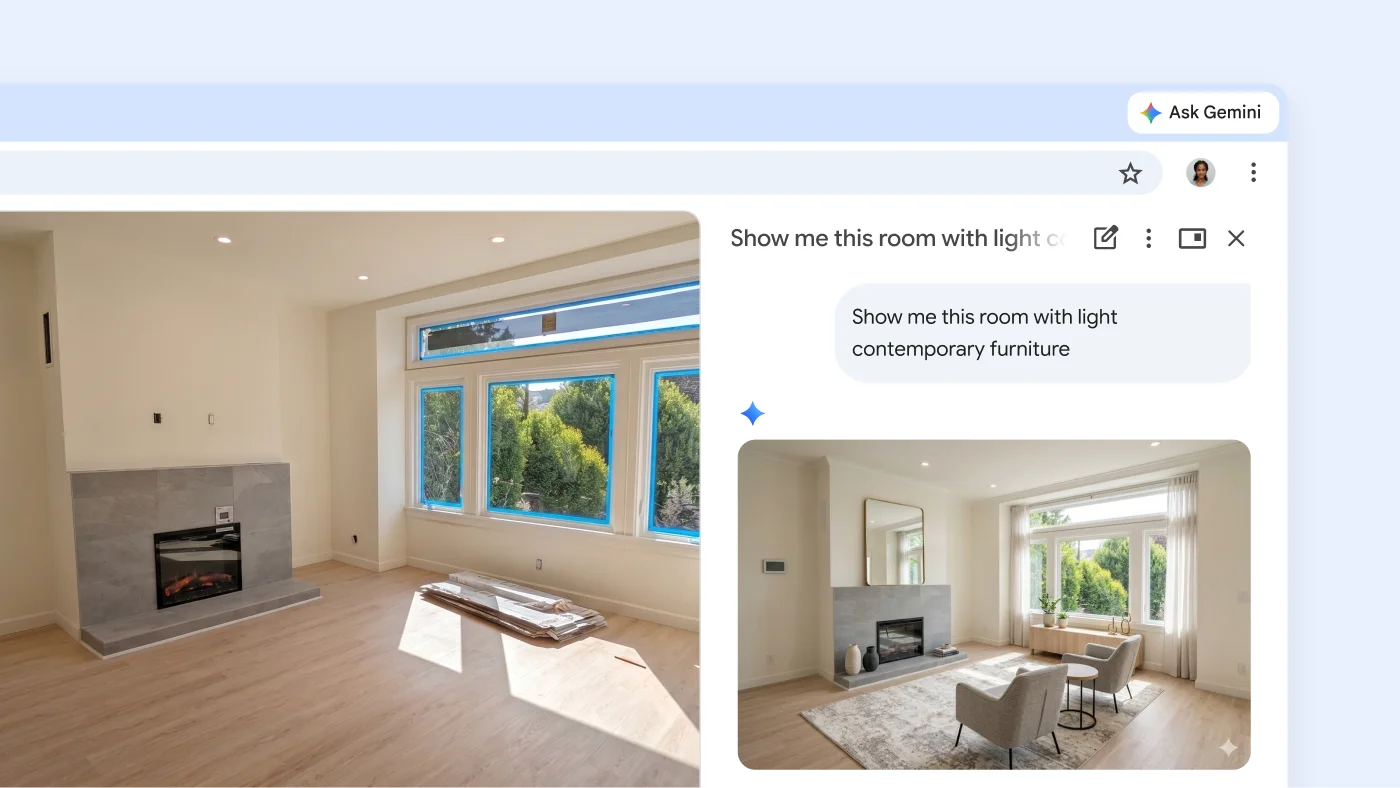
Our latest state of the art image model is right here in Chrome. Ask Gemini in Chrome to visualize a webpage in an infographic, or transform an image you find on the web. You can visualize almost anything just by asking.
Help right where you need it
-
AUTO BROWSE
Sit back and put Gemini on auto browse
Now, Gemini in Chrome can take the tedious tasks off your plate. From filling up your shopping cart to booking the perfect reservation and more, auto browse* puts Gemini on the job so you can spend more time where it matters most.
*Auto browse is available only to Google AI Ultra and Pro subscribers in the U.S.
Nano Banana – Gemini in Chrome
Make online inspiration your own creation

Always-there AI
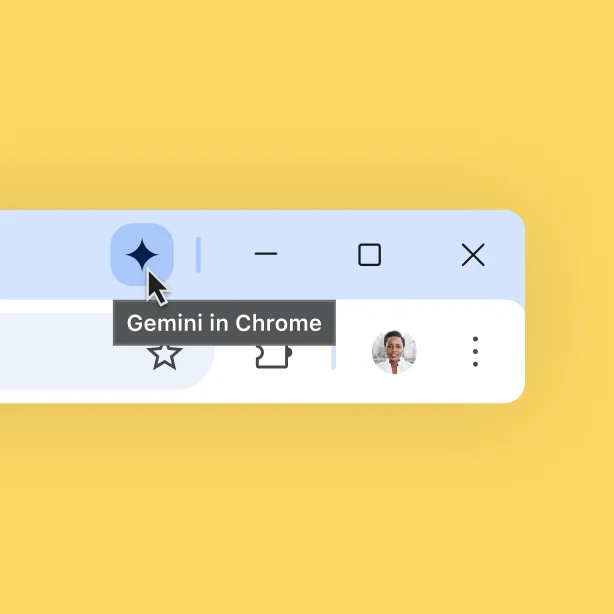
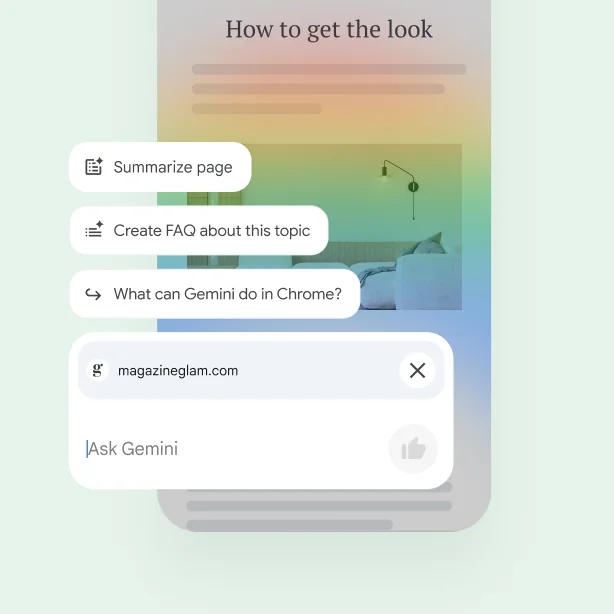
Whether you’re on your computer or your phone, you can use Gemini in Chrome to ask questions, compare info, and get faster help with the open tabs in your browser.
Get help with Gemini inMade for the small screen
Gemini on mobile is there to answer questions about what you’re reading. On Android it works with anything on your screen* – including Chrome. And on iOS, Gemini is built right into the Chrome app.
*Available on select devices and in select countries, languages, and to users 18+.
Works with your favorite Google products
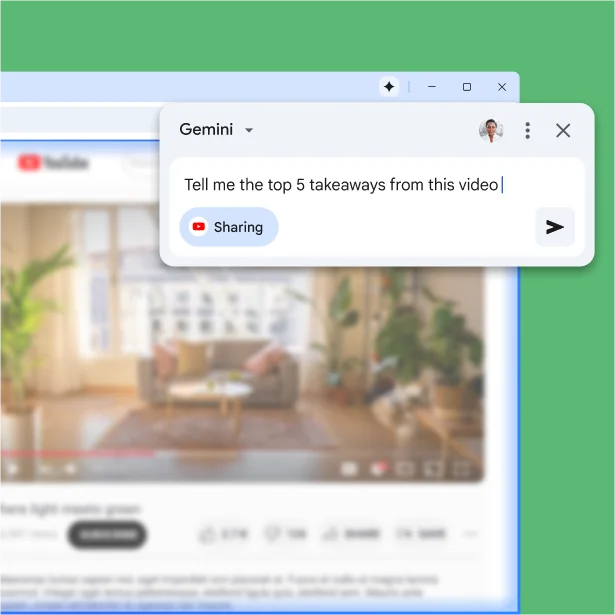
Gemini in Chrome works with other Google products. Effortlessly use it to create events in your Google Calendar, or even summarize YouTube videos.
Controlled by you, protected by Google
You’re in charge of Gemini in Chrome’s activity. You can pause it at any time, control what it can access, and delete your history. Plus, your data is protected from scams, leaks, and other threats by the best of Google’s security.
Google's approach toAlways-there AI
Whether you’re on your computer or your phone, you can use Gemini in Chrome to ask questions, compare info, and get faster help with the open tabs in your browser.
Get help with Gemini in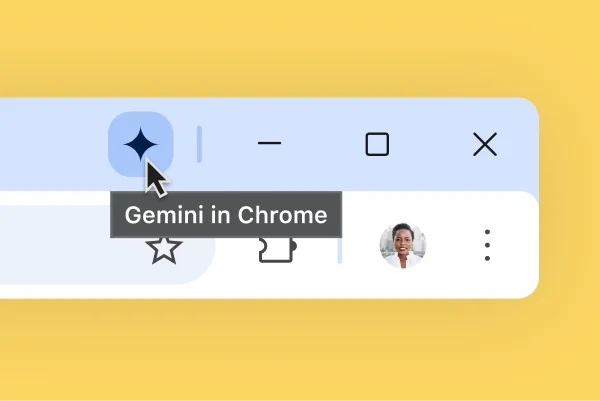
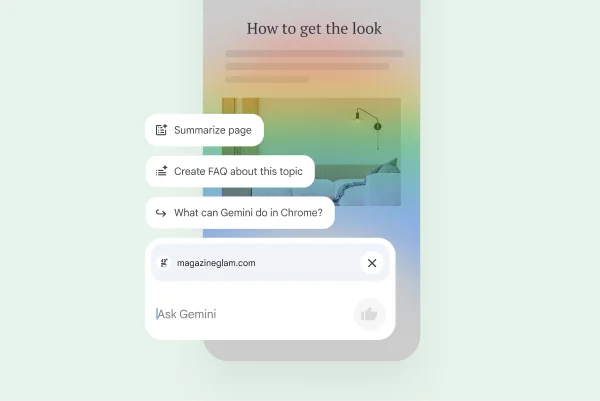
Made for the small screen
Gemini on mobile is there to answer questions about what you’re reading. On Android it works with anything on your screen* – including Chrome. And on iOS, Gemini is built right into the Chrome app.
*Available on select devices and in select countries, languages, and to users 18+.
Works with your favorite Google products
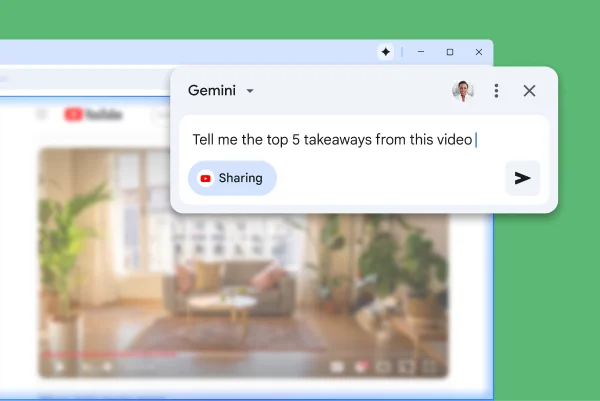
Gemini in Chrome works with other Google products. Effortlessly use it to create events in your Google Calendar, or even summarize YouTube videos.
Controlled by you, protected by Google
You’re in charge of Gemini in Chrome’s activity. You can pause it at any time, control what it can access, and delete your history. Plus, your data is protected from scams, leaks, and other threats by the best of Google’s security.
Google's approach to
Always-there AI
Whether you’re on your computer or your phone, you can use Gemini in Chrome to ask questions, compare info, and get faster help with the open tabs in your browser.
Get help with Gemini inMade for the small screen
Works with your favorite Google products
Controlled by you, protected by Google
SKILLS – GEMINI IN CHROME
Your most helpful prompts in one click
Until now, repeating Gemini in Chrome tasks – like asking for ingredient substitutions to make a recipe vegan – meant re-entering the same prompt as you visited different pages. Now, you can use Skills in Chrome to save and reuse your most helpful prompts.
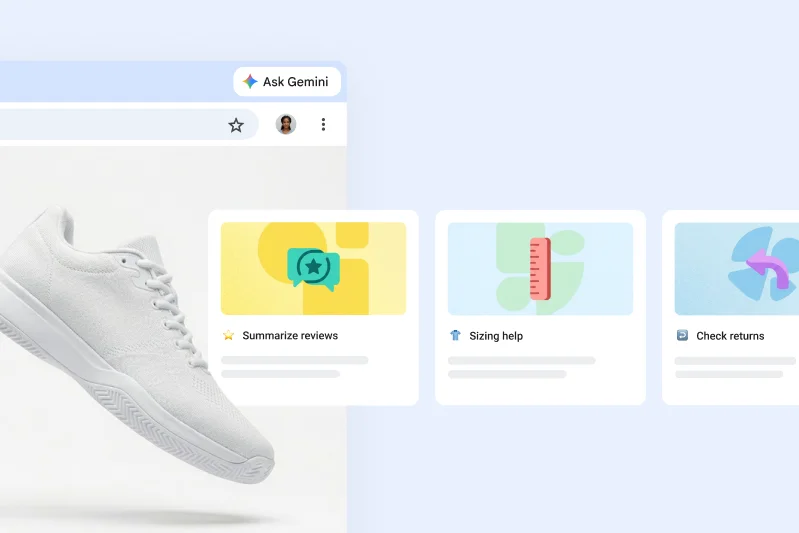
Select content - Gemini in Chrome
Just point and ask
Skip the long prompts. Now, you can use your cursor to help Gemini understand exactly what you’re looking at. Just select a specific image, paragraph, or product to ask a focused question – then let Gemini in Chrome handle the rest.
Coming soon.


to personalize content
Gemini in Chrome can recommend adjustments to content you see on the web, based on your specific circumstances. It’s an easy way to make just about anything on the web work for you, without the guesswork.
to make a study aid
Study smarter with resources made just for you by Gemini in Chrome. Whether you study best with flashcards, study questions, or a quick-review cheat sheet, Gemini in Chrome can generate custom study aids from content on the web.
to suggest options
Get better answers with less typing. Gemini in Chrome understands what you're looking at to give you more specific recommendations.
to explain it differently
Sometimes it’s easier to learn when things are explained in a different way. Gemini in Chrome can simplify complex topics or rephrase them so they make perfect sense to you.
to put it on the calendar
When you browse in Chrome, your schedule is always right there with you. Gemini in Chrome works with Google Calendar so you can check your availability or add new events without leaving your tab.
to change the recipe
Ever wanted to make a recipe vegetarian, amp up the protein, double the batch, or swap out a missing ingredient? Gemini in Chrome helps you quickly adapt any recipe to fit your diet, your math, or your pantry.
to summarize reviews
Make smarter purchase decisions with less work. When you use Gemini in Chrome to summarize reviews, you get a more complete picture, without all the reading.
to find a quick answer
Skip the endless scroll. Gemini in Chrome helps you instantly find what you're looking for, even on the longest webpages.
Choose any card below to see how Gemini in Chrome works.
Results for illustrative purposes and may vary. Check responses for accuracy.
-
Ask anything, any way with AI Mode
Trying to wrap your head around a new topic? Looking for specific recommendations? Need help getting started on a project? Ask anything with AI Mode in Chrome and keep exploring with follow-up questions and helpful web links.
-
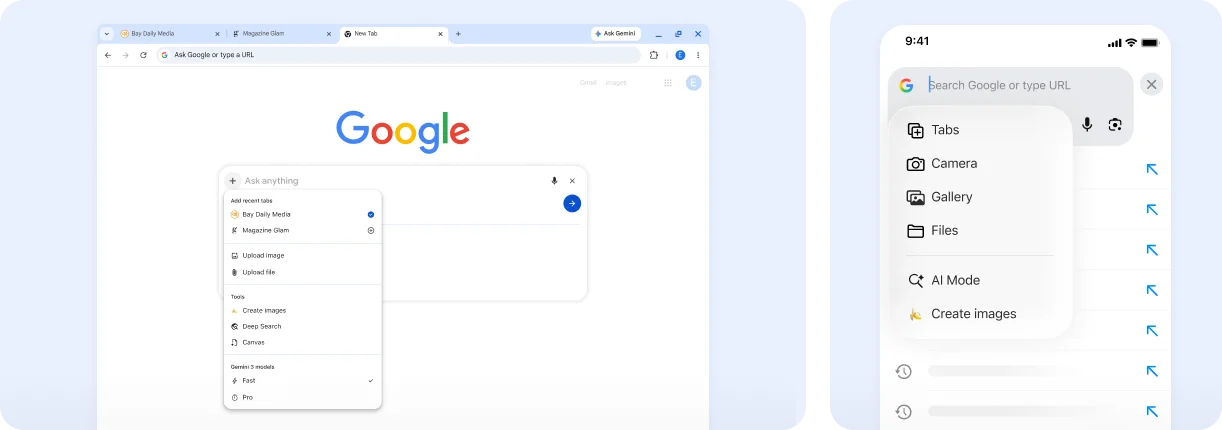
![A menu on mobile and desktop devices shows how you can add context like tabs, images, and files to your AI Mode search]()
Ask about tabs, images, and files in your AI Mode search
You can use AI Mode in Chrome to ask complex questions that are specific to your individual needs by adding context like tabs, files and images to your search. With advanced multimodal capabilities, AI Mode can deeply understand your question, no matter how complex it is.
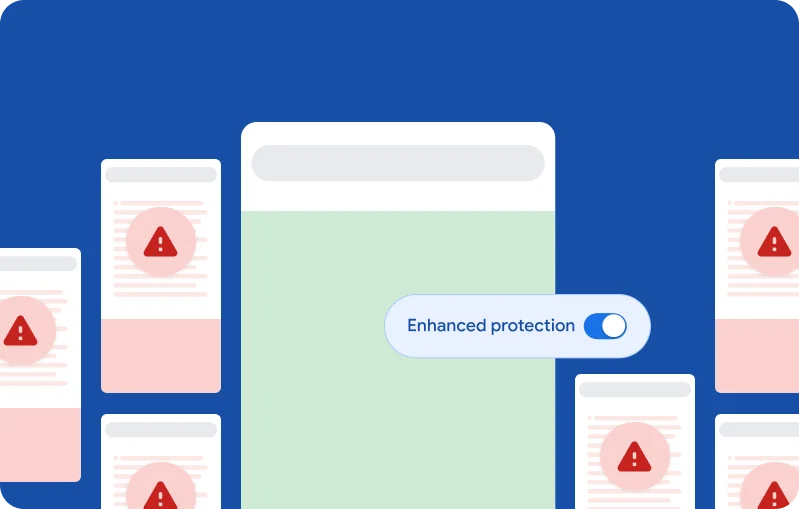
A step ahead of the latest scams
Our AI-powered security automatically stops threats like phishing, malware, and scams before they ever reach you. Gemini Nano even allows Chrome to detect scams that haven’t been seen before.
Turning on
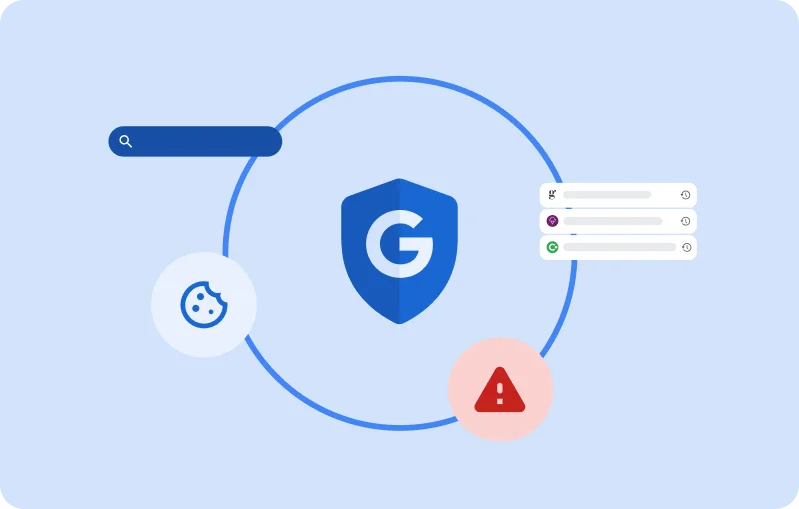
Privacy, for the future of the web
Google’s industry-leading security protects billions of users across all of our products – including Chrome.
Our goal is always to put you in control of your data, and we’re here to protect it with privacy safeguards tailored for our AI-powered experiences.
Frequently asked questions
What is Gemini in Chrome?
How can I find Gemini in Chrome?
How do I get Gemini in Chrome in my browser?
Can Gemini in Chrome do tasks on my behalf?
Do I need an AI extension for Chrome?
What is AI Mode?
How do I use AI Mode?
What data does Google AI collect about me?

Scan for the
Chrome app